CADBoost Software

CADBoost PFD

A professional Process Flow Diagram design tool for creating engineering diagrams, building component-based layouts, linking calculation results and exporting clean PFD documentation.
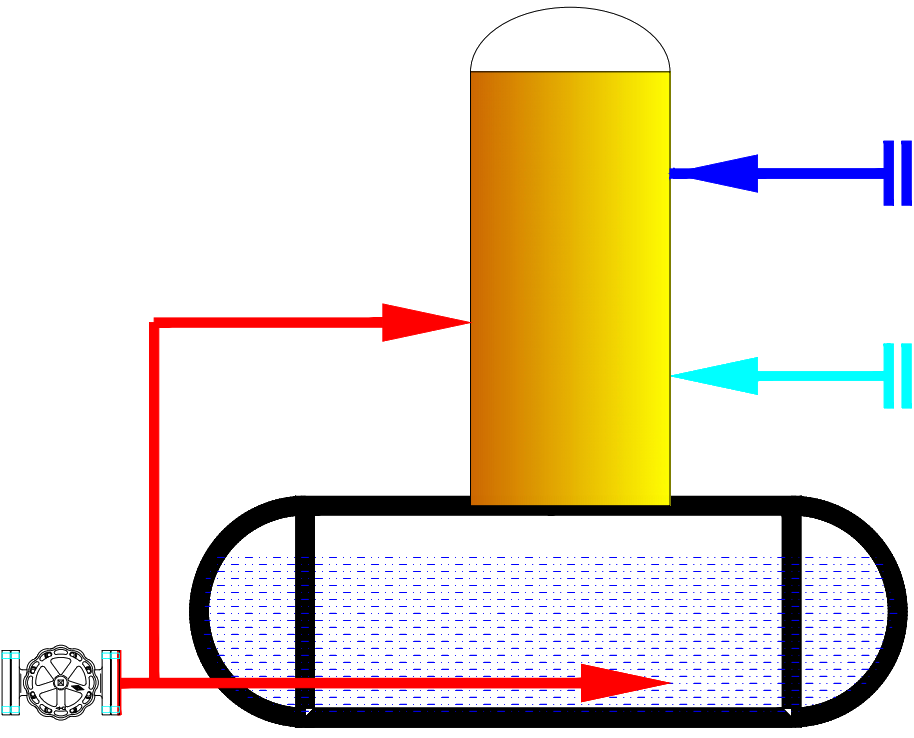
CADBoost PFD icon PFD equipment component preview

What CADBoost PFD Helps You Do

Designed for engineers who need more than a drawing canvas: component libraries, calculation modules and linked design data live in one workflow.

🔄

PFD Vector Drawing

Create process flow diagrams with line, polyline, arrow, shape, image and text tools.

📦

Component Library

Drag equipment symbols such as pumps, fans, tanks, boilers, heat exchangers and treatment units into the canvas.

📄

Multi-Tab Projects

Open and edit multiple PFD drawings inside one desktop workspace.

📏

Engineering Accuracy

Use grid snapping, ortho mode, node editing and object locking for clean engineering layout work.

📊

Calculation Modules

Use engineering modules for boiler, accumulator, dryer, thermal oil heater and process equipment workflows.

🔗

Dynamic Data Linking

Drag calculation parameters into drawings and keep labels updated when module results change.

Drawing & Documentation

CADBoost PFD combines drafting controls with practical output tools for engineering documents.

  • Ribbon interface for drawing, shapes, font, colors, stroke and view controls.
  • Paper sizes, zoom, grid display and orthogonal drawing mode.
  • Group, ungroup, lock, unlock, bring to front and send to back operations.
  • Export current drawing tab to PNG, JPG or PDF with paper and scale options.
  • Save full project data in a protected `.pfd` file format.

Engineering Modules

The app includes calculation windows that can push results into the PFD workspace.

  • Boiler and combustion/process calculations.
  • Thermal oil heater and heat system workflows.
  • Accumulator steam charge/discharge calculations.
  • Dryer energy balance workflows.
  • Scientific calculator and plotting support for engineering checks.

Typical Workflow

  • Create a new PFD tab and select paper size.
  • Drag equipment from the component library into the canvas.
  • Draw process lines with arrows, labels and shapes.
  • Run a calculation module and review parameters in the Parameter Dock.
  • Drag linked parameters into the drawing so values update with recalculation.
  • Export final documentation to image or PDF.

Customization

CADBoost PFD supports real drafting habits: users can tune the workspace and component assets to match their company workflow.

  • Light and dark theme modes.
  • Custom font and color editors.
  • Workspace background color per drawing tab.
  • Component Manager for converting image assets into transparent PNG symbols.

Build PFDs With Engineering Data Attached

CADBoost PFD is based on the PFD Design Tool v1.5 app at D:\PythonCodeApp\PFD Design Tool\v1.5.

Contact About CADBoost PFD